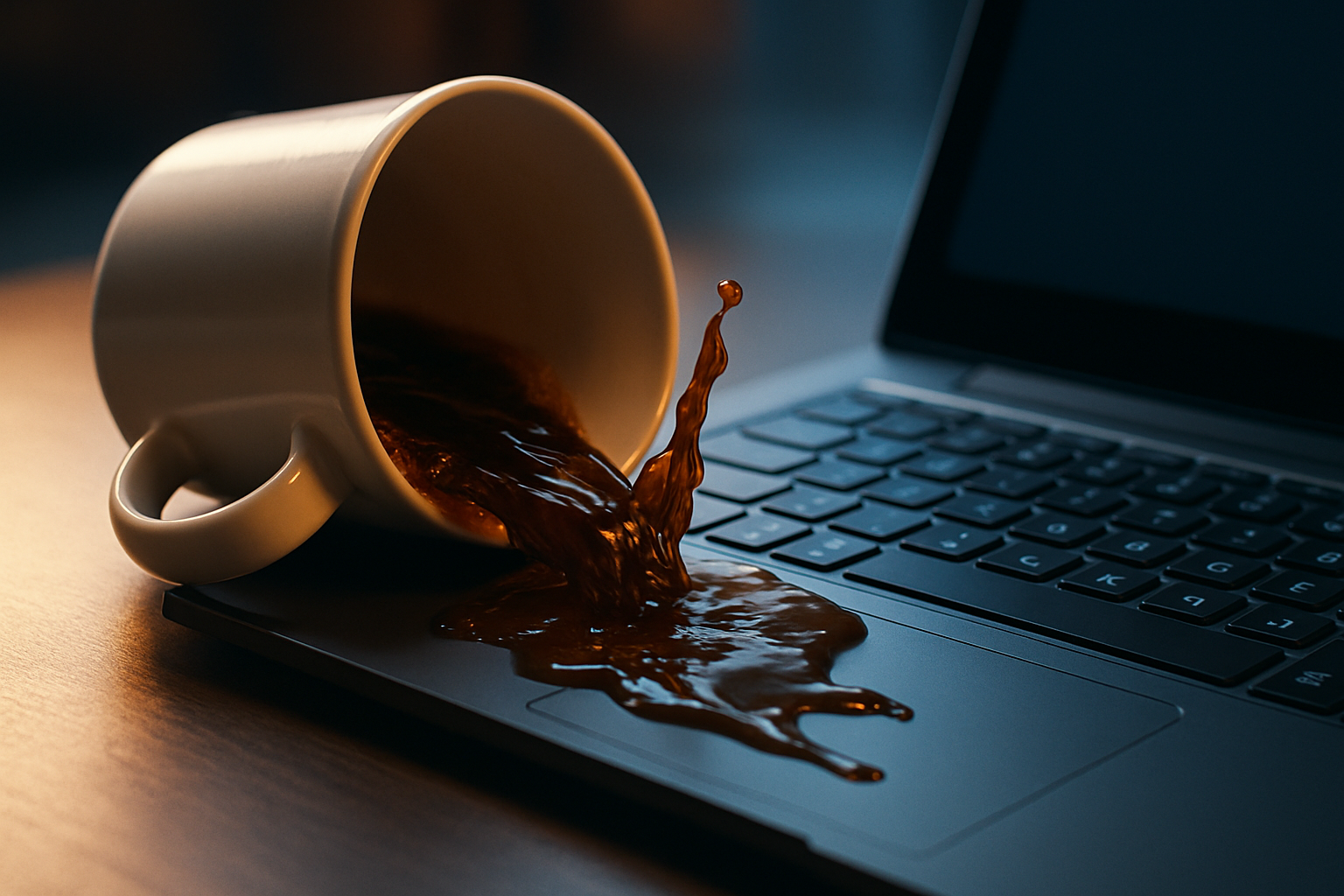
If a cup of coffee just hit your keyboard, stop reading and do this first. The next sixty seconds matter more than anything else.
0–60 seconds: kill the power
- Hold the power button down for 5 seconds until the laptop shuts off. Don't try to save your work. Don't shut down normally. Force-off.
- Unplug the charger.
- If your battery is removable (most laptops sold before 2017, plus a few business models since), flip the laptop and slide it out. If it's not removable, that's fine — move on.
Liquid + power = a short circuit across the motherboard. Cutting power is the single most important thing you can do. Sugary drinks (coffee with milk, soda, juice) are worse than water because they leave conductive residue when they dry — but power off comes first either way.
1–5 minutes: drain and absorb
- Open the laptop to about 120 degrees and flip it upside down on a towel, keyboard facing down. Make a tent shape. This lets gravity pull liquid out of the keyboard instead of further into the board.
- Dab — don't wipe. Use the corner of a clean towel to absorb visible liquid around the edges and seams. Wiping pushes liquid sideways into other parts of the laptop.
- Leave it in tent position for at least 24 hours. 48 if you can. Longer is better than shorter.
What NOT to do
- Don't use a hair dryer or heat gun. Heat warps the membrane and melts adhesive. Air-dry only.
- Don't use rice. The internet myth that won't die. Rice doesn't dry electronics any faster than open air and it leaves starch dust inside the chassis.
- Don't turn it on to "check if it works." Trace amounts of liquid + power is exactly what kills boards. Wait the full 24–48 hours.
- Don't try to charge it. Same reason.
After 24–48 hours
Turn it back on. Three things can happen:
- It boots and the keyboard works. You got lucky. Test every key. If a few are sticky, those individual keys can be cleaned or replaced — see our common-failures guide.
- It boots but several keys are stuck, repeating, or dead. Sugar residue is shorting the membrane. The keyboard is done, but the laptop itself survived. Order a replacement keyboard or a key kit if only one or two keys are affected.
- It doesn't boot, or boots and then dies. Liquid reached the motherboard. This is a repair-shop job — they'll need to open the laptop and clean the board with isopropyl. If you live near a Micro Center or independent repair shop, take it in.
If only a few keys are damaged
Sticky keys, even after a full dry-out, usually mean dried sugar glued the keycap to the cup. You can fix this without a new keyboard:
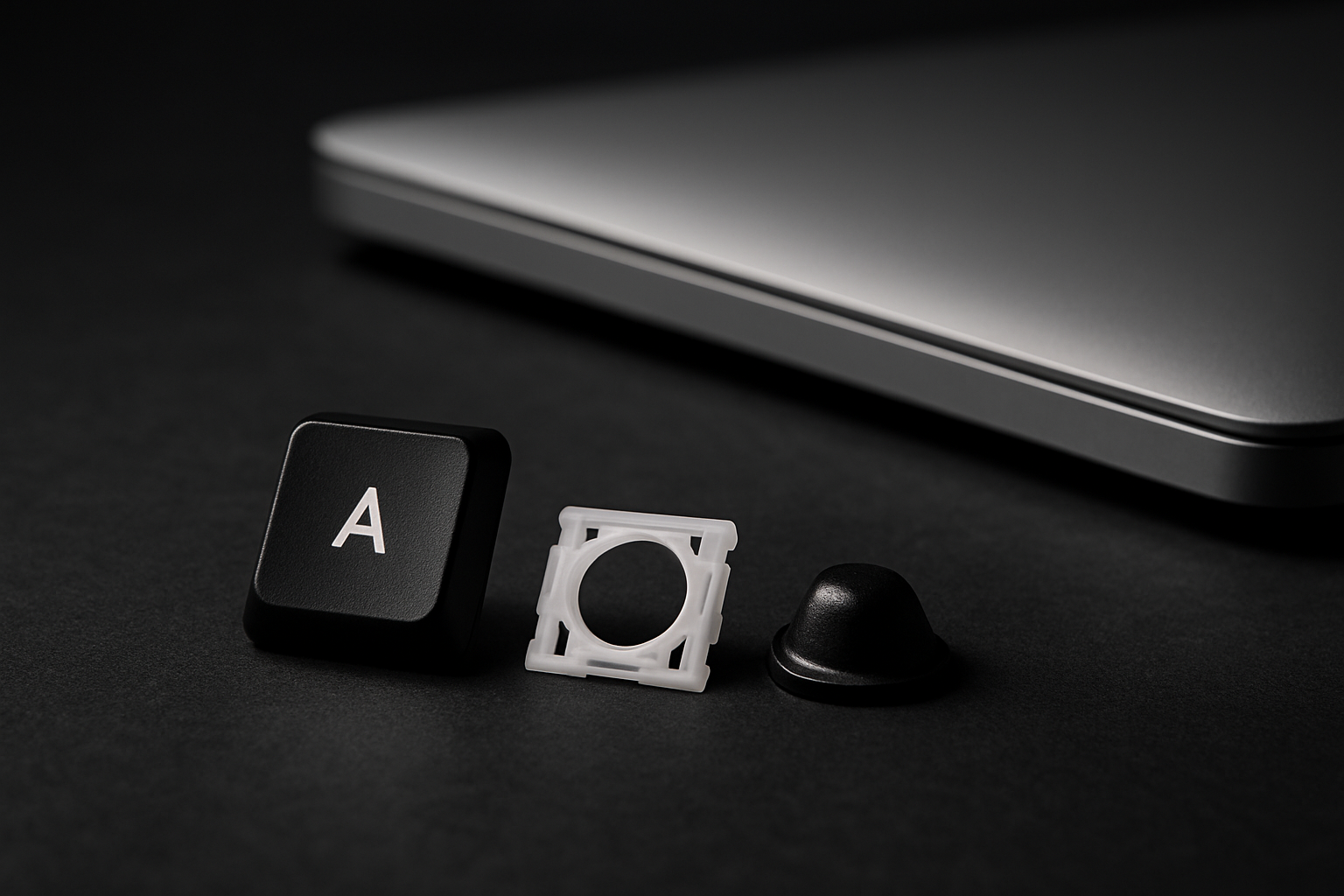
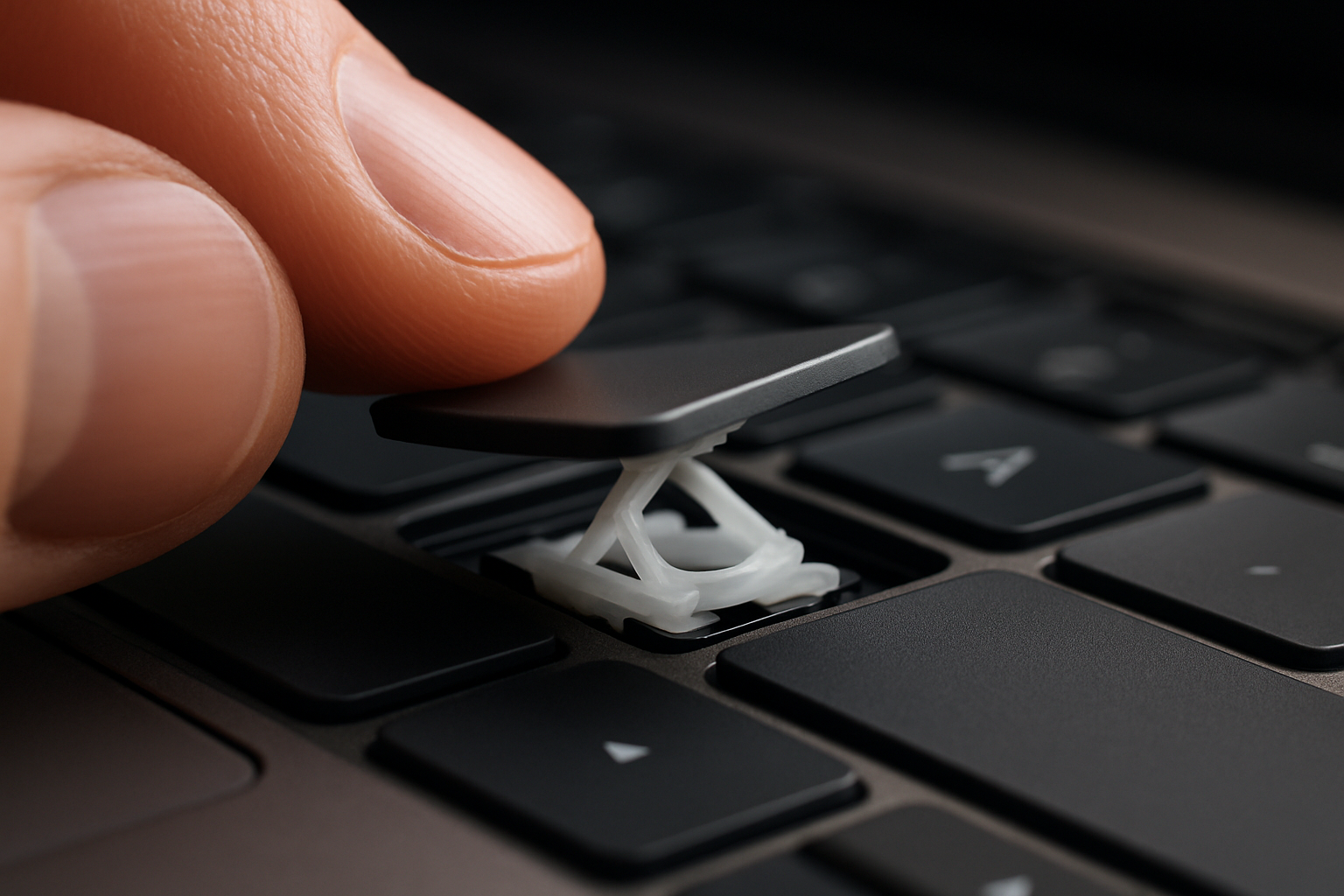
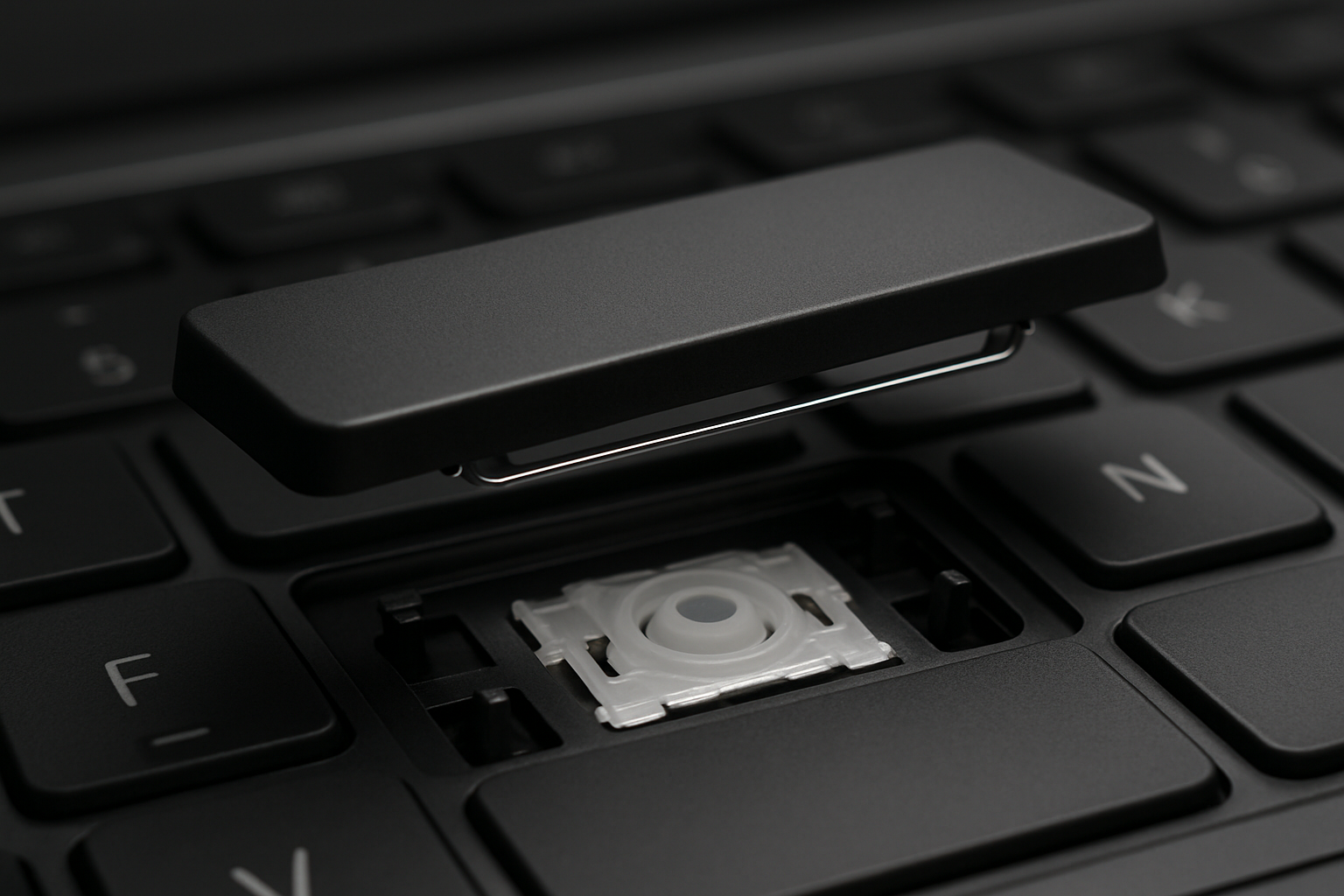
- Pop the affected keys off (lift one corner gently with a fingernail).
- Clean the cup and the chassis underneath with isopropyl alcohol on a cotton swab.
- If the cup is torn or wrinkled, replace it. Search your model and grab a key kit.
The lesson
Closed lids drain liquid into the screen hinge — open the lid before flipping. And keep coffee on the other side of the desk from now on.
Need help diagnosing what survived? Email us a photo of the affected keys and we'll tell you whether a key kit will fix it or whether the keyboard is toast.