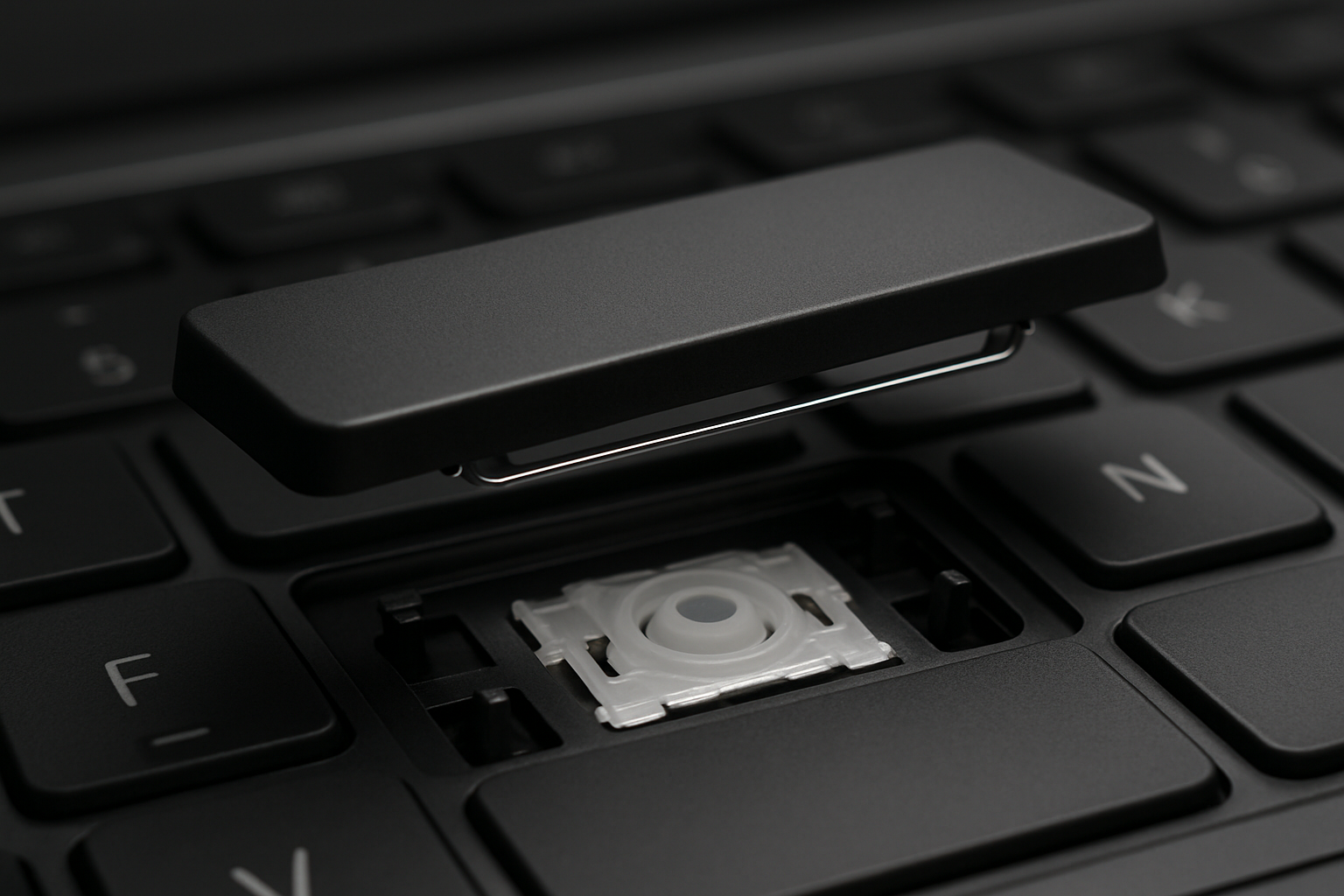
You popped a key off your laptop and now the search results are quoting you ninety dollars for a whole new keyboard, plus another forty for a repair shop to install it. Before you click buy: in nine out of ten cases you don't need a new keyboard. You need one key.
The actual cost difference
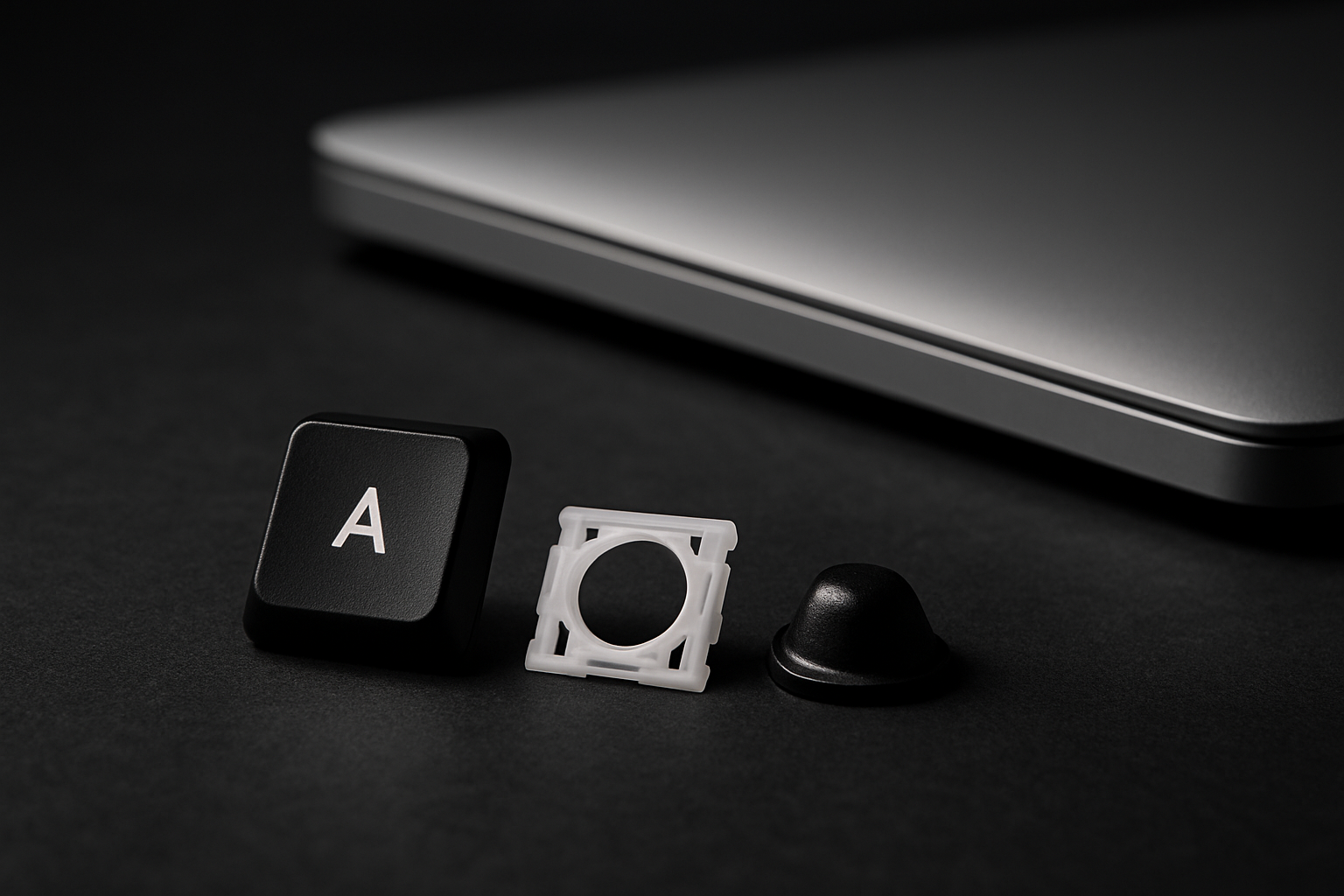
A single-key replacement kit from us is typically between four and twelve dollars and includes everything you need — the keycap, the retainer clip that snaps into the chassis, and the rubber cup that gives the key its spring. A full keyboard for the same laptop usually runs sixty to one hundred and twenty dollars. That's roughly a 10x price gap for fixing one broken letter.
The math only changes if you have five or more broken keys, or if your keyboard has liquid damage that has spread under the membrane. We talk about both of those cases below.
Install time, honestly
A single-key install takes between thirty seconds and two minutes once you've watched the video for your retainer clip type. We have a step-by-step installation guide with brand-specific videos for every model we stock.
A full keyboard replacement on most modern laptops means removing 20+ bottom-case screws, disconnecting the battery, peeling off a ribbon cable, lifting the old keyboard out, threading the new ribbon back through the chassis, and reassembling. Plan for an hour. On ultrabooks with the keyboard glued or riveted to the top case, it's closer to two hours and you need plastic spudgers and a heat gun.
When the full keyboard is the right call
- Liquid damage across the board. If multiple keys are sticking or non-responsive after a spill, the membrane underneath is shorted and individual keys won't fix it.
- Five or more broken keys. At about $12 a key, you cross the price of a full keyboard around five. Buy the board.
- The chassis mounts under the keys are broken. If the little plastic posts that the retainer clip latches onto have snapped off the laptop chassis, no key kit can attach. You need a new top-case keyboard assembly.
When the kit wins
- One to four broken keys, retainer mounts still intact.
- Worn keycap legends (letters rubbed off) on otherwise working keys.
- A pet, child, or vacuum cleaner removed a single key.
- You're prepping a resale laptop and want it visually perfect.
How to know which one you need
Flip your laptop over, find your model number, and search it here. If we list a key kit for it, your laptop uses individual retainer clips and you can do a single-key fix. If you're not sure where to find the model number, we have a 30-second guide with a video.
Still uncertain? Email us a photo of the broken key and the empty slot. We've been doing this since 2007 and we'll tell you straight whether it's a one-key fix or whether you should be looking at a full keyboard.