Over 19 years of shipping replacement keys, we see the same five problems again and again. Four of them are single-key fixes that don't need a new keyboard. Here's how to tell which one you have.
1. The clip broke and the key won't stay on
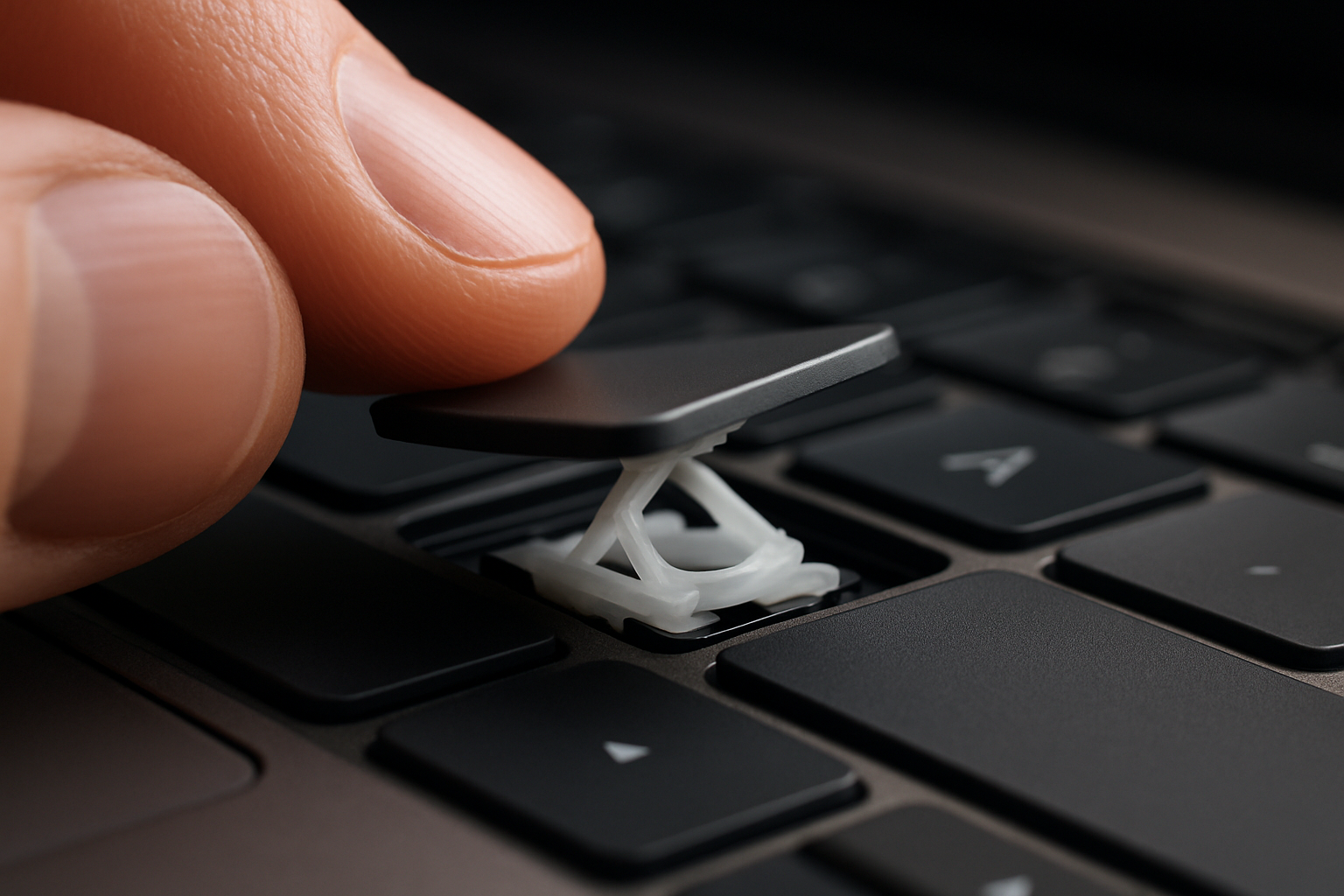
By far the most common. You knocked the key off — or your cat did — and when you press it back into place it pops off again. Usually one of the little plastic latches on the retainer clip has snapped.
How to check: lift the key (if it's still attached) and look at the white plastic frame underneath. If you see a broken latch, a missing corner, or the frame is in two pieces, the clip is dead.
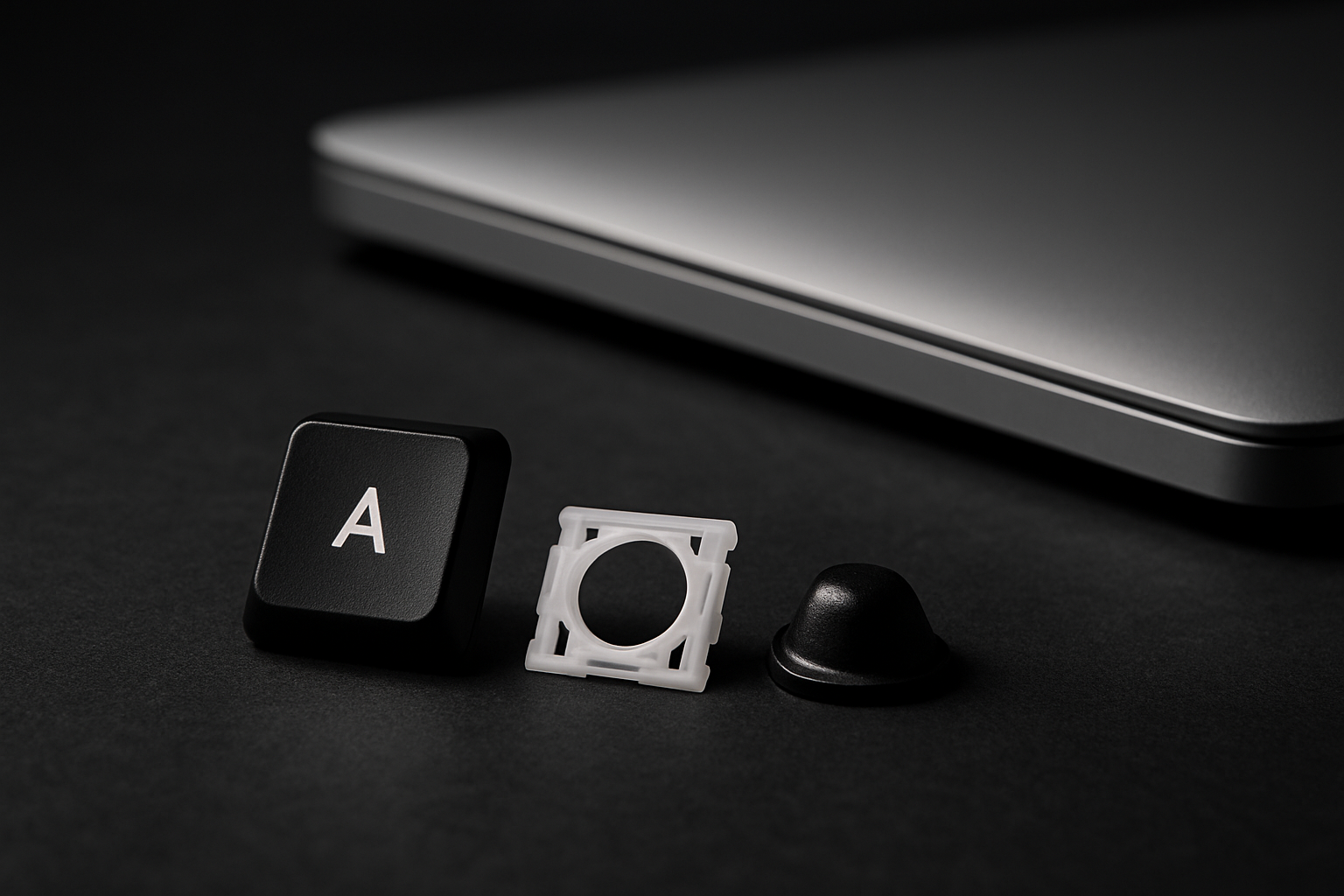
Fix: order a single-key kit. Kit includes a fresh clip, cup, and keycap. Install takes under two minutes once you've watched the video.
2. Key feels mushy or doesn't bounce back
The keycap and clip look fine but the key feels dead — it presses down OK but doesn't spring back up, or feels noticeably softer than its neighbors.
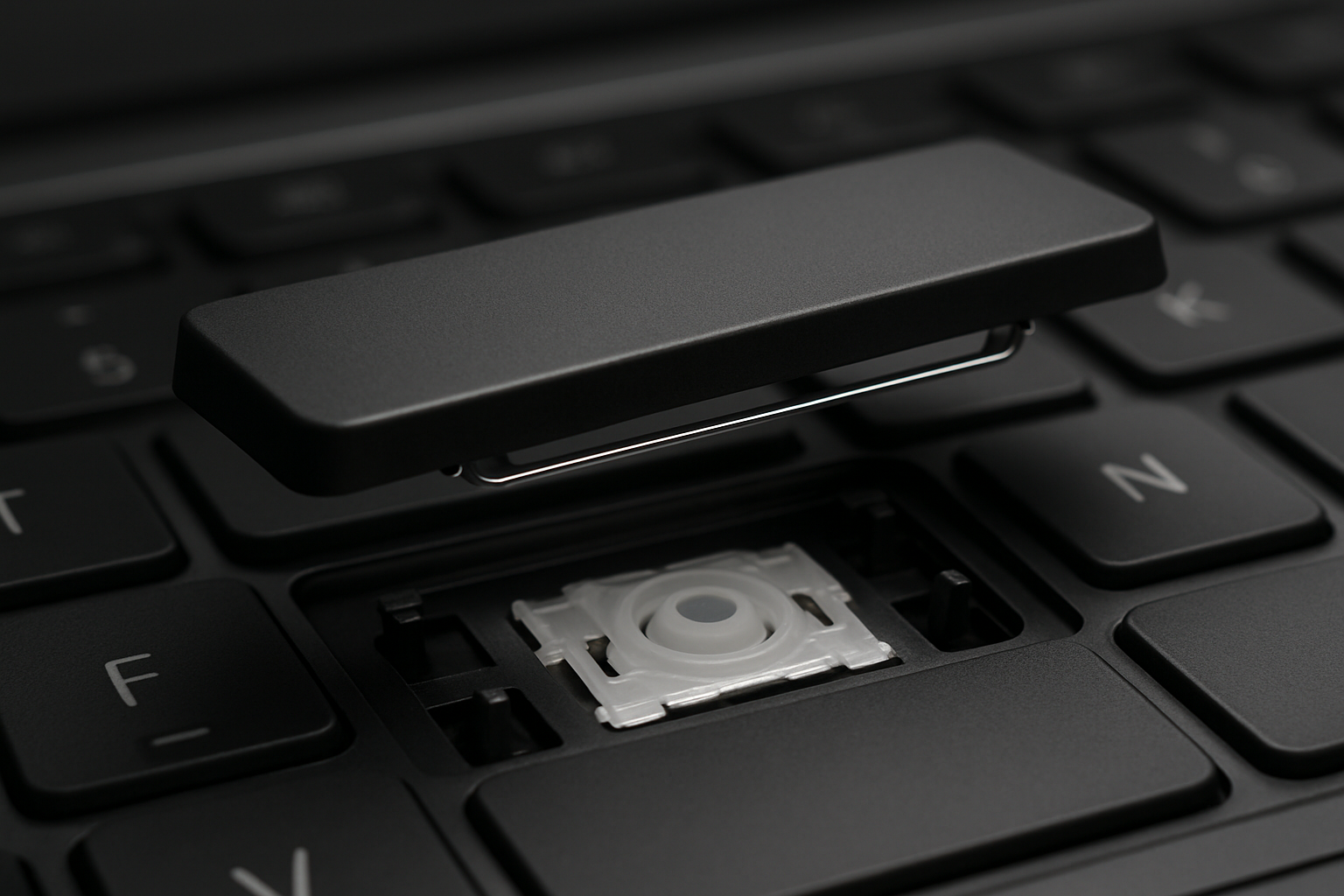
What's wrong: the rubber cup underneath has torn or collapsed. The cup is what gives the key its bounce; without it, the key just sits there.
Fix: single-key kit again — every kit ships with a new cup. Make sure you remove the old cup completely (it'll be glued to the membrane) before placing the new one.
3. Letters worn off the keycap
You can still type, but the A, S, E, and N keys are blank shiny ovals because three years of fingertips have polished off the laser etching. Common on darker laptops where the legend was painted instead of laser-etched.
Fix: the cap is the only part that needs replacing. You can pop the worn cap off and snap a new one onto the existing clip if the clip is still good. Order just the cap or grab a full kit if you want to refresh the cup too.
4. Sticky key after a small spill
A drop of juice, a splatter of soup, a sticky-fingers toddler. The key works but feels gummy or sticks down for a second before returning.
Triage first: if it was a small, localized spill (one or two keys), pop the cap and the cup off and clean the membrane underneath with isopropyl alcohol and a cotton swab. Let it dry for an hour. Snap everything back together.
If multiple keys are sticky, the spill spread further than you think. See our coffee-spill triage guide — the next hour matters.
5. Key completely missing — chassis mount broken
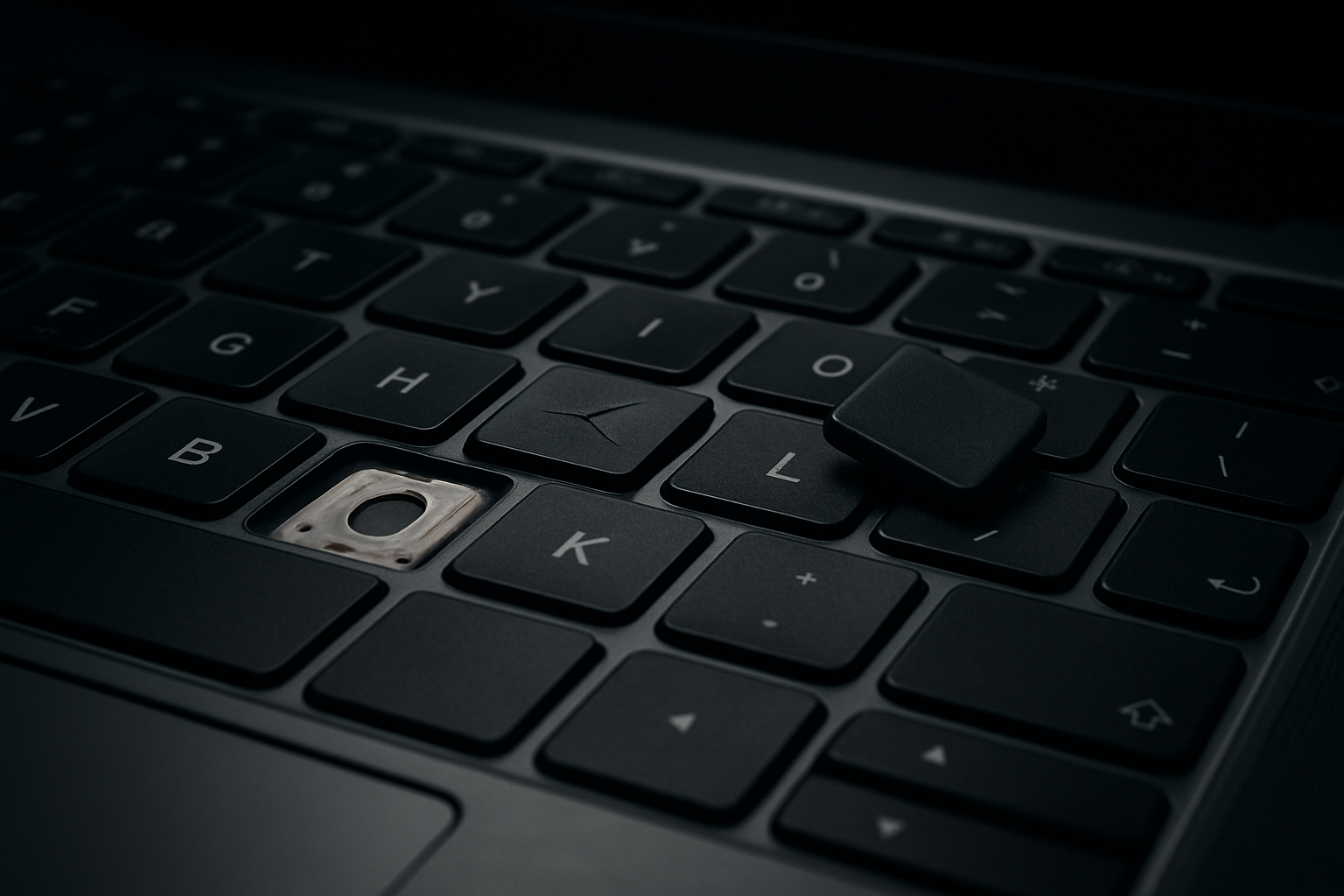
The keycap, clip, AND the little plastic posts on the laptop chassis are all gone. This is the only failure on this list that a key kit can't fix.
How to check: look at the empty key slot. If you see bare metal or a flat hole with no plastic posts sticking up, the chassis mounts are gone. The clip has nothing to latch onto.
Fix: you need a full keyboard replacement (the chassis posts are part of the keyboard assembly). On some laptops that's $40, on others it's $120. Email us a photo of the empty slot and we'll tell you which.
Still not sure?
Send us a photo of the broken key and the empty slot. We've diagnosed thousands of these and will tell you in plain language which of the five you're dealing with — and whether it's a five-dollar fix or a hundred-dollar one.