Same key, same problem, over and over. You snap it back on. It stays for a day, a week if you're lucky, then pops off again. Sound familiar? The good news: there are only four things that cause this, and three of them are easy fixes.
Pop the key off and look at the clip
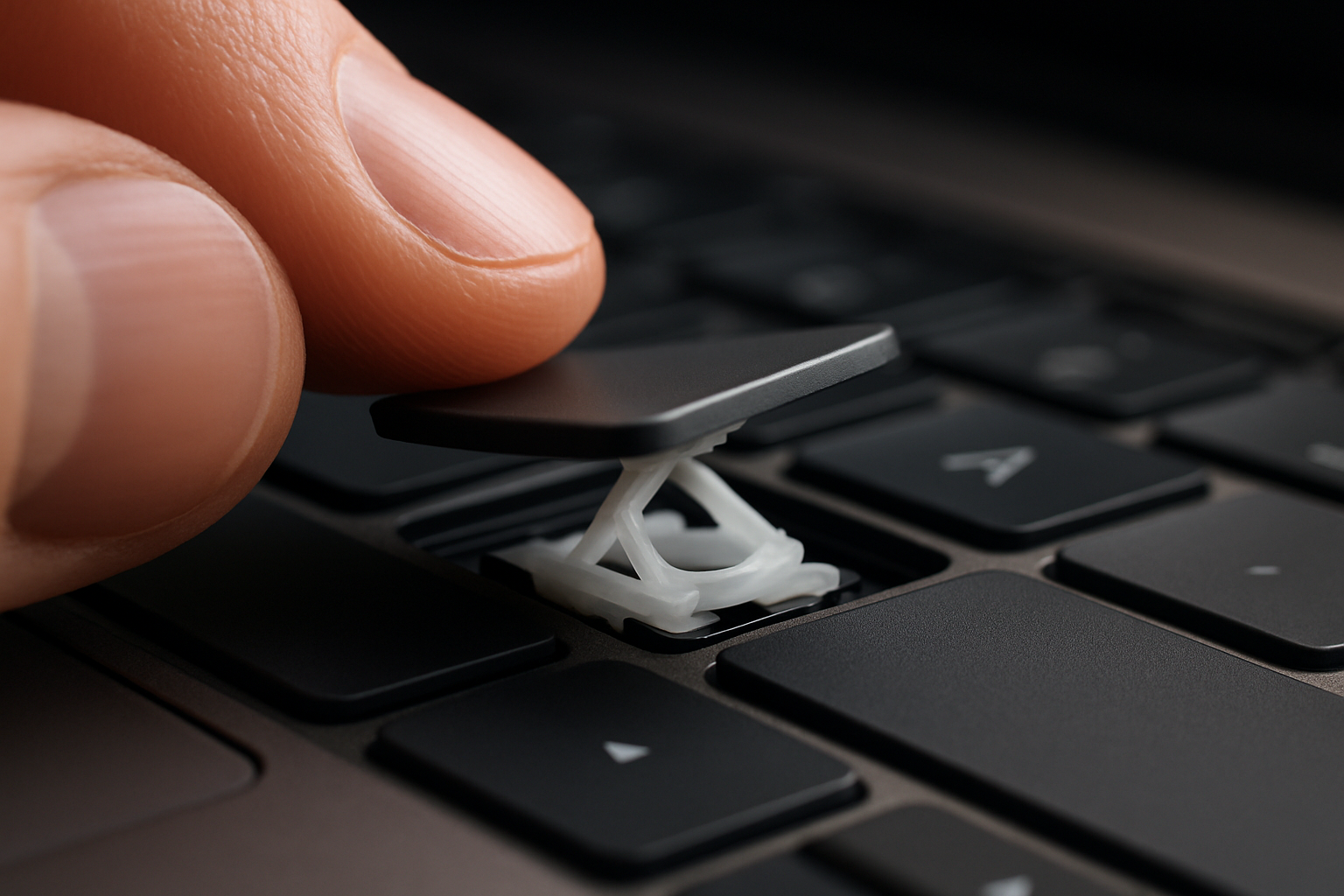
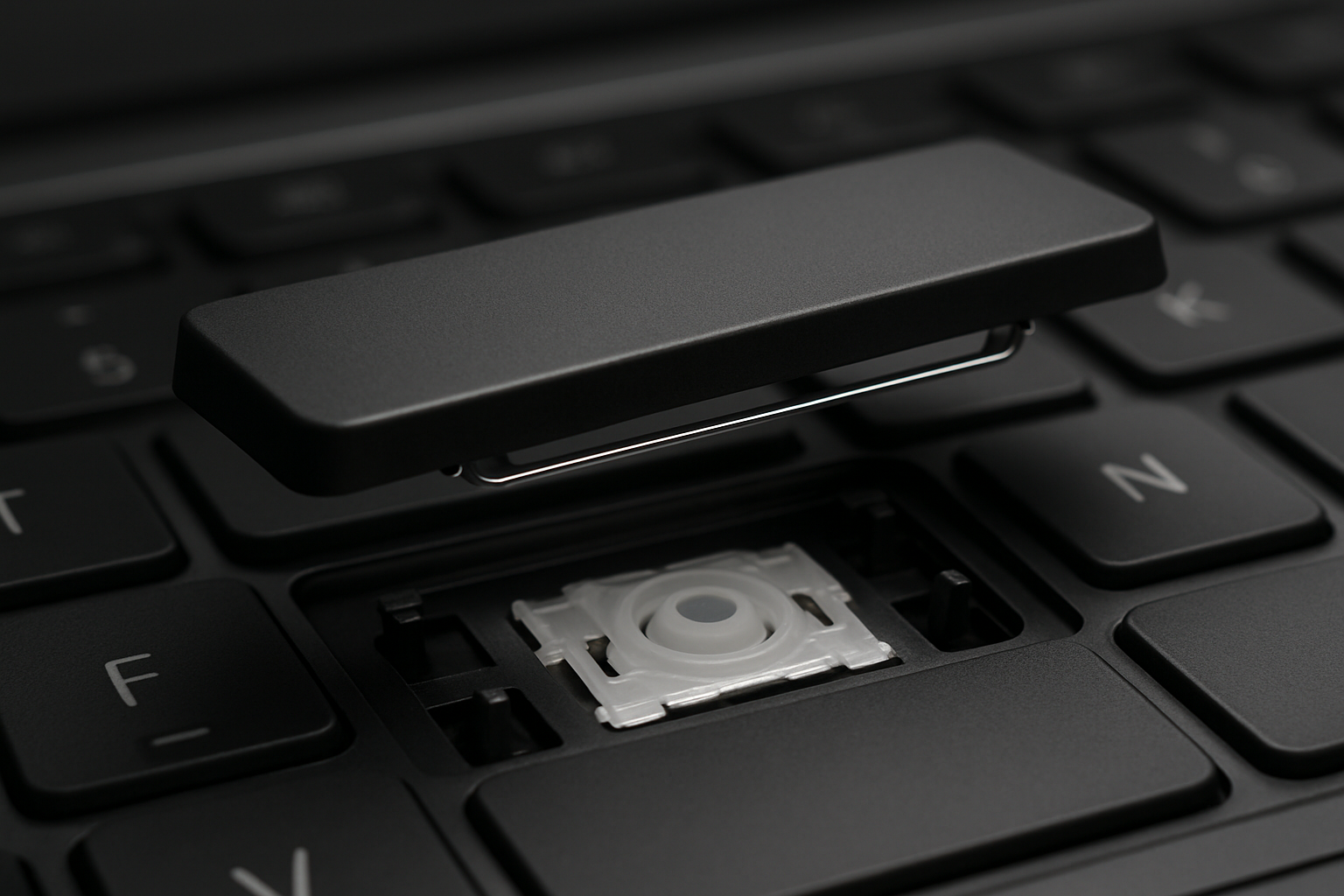
Don't even bother snapping it back on until you've inspected the clip underneath. Lift the key gently with a fingernail (see our removal guide) and examine what you find.
Cause 1: A latch on the clip is broken
Most common. The clip has four small hooks (two on each side) that grab the chassis posts. If one has snapped off, the cap will go back on but it has nothing to lock against — every keystroke gradually rattles the cap loose.
What it looks like: a small white nub missing from one corner of the clip, sometimes still rattling around in the keyboard.
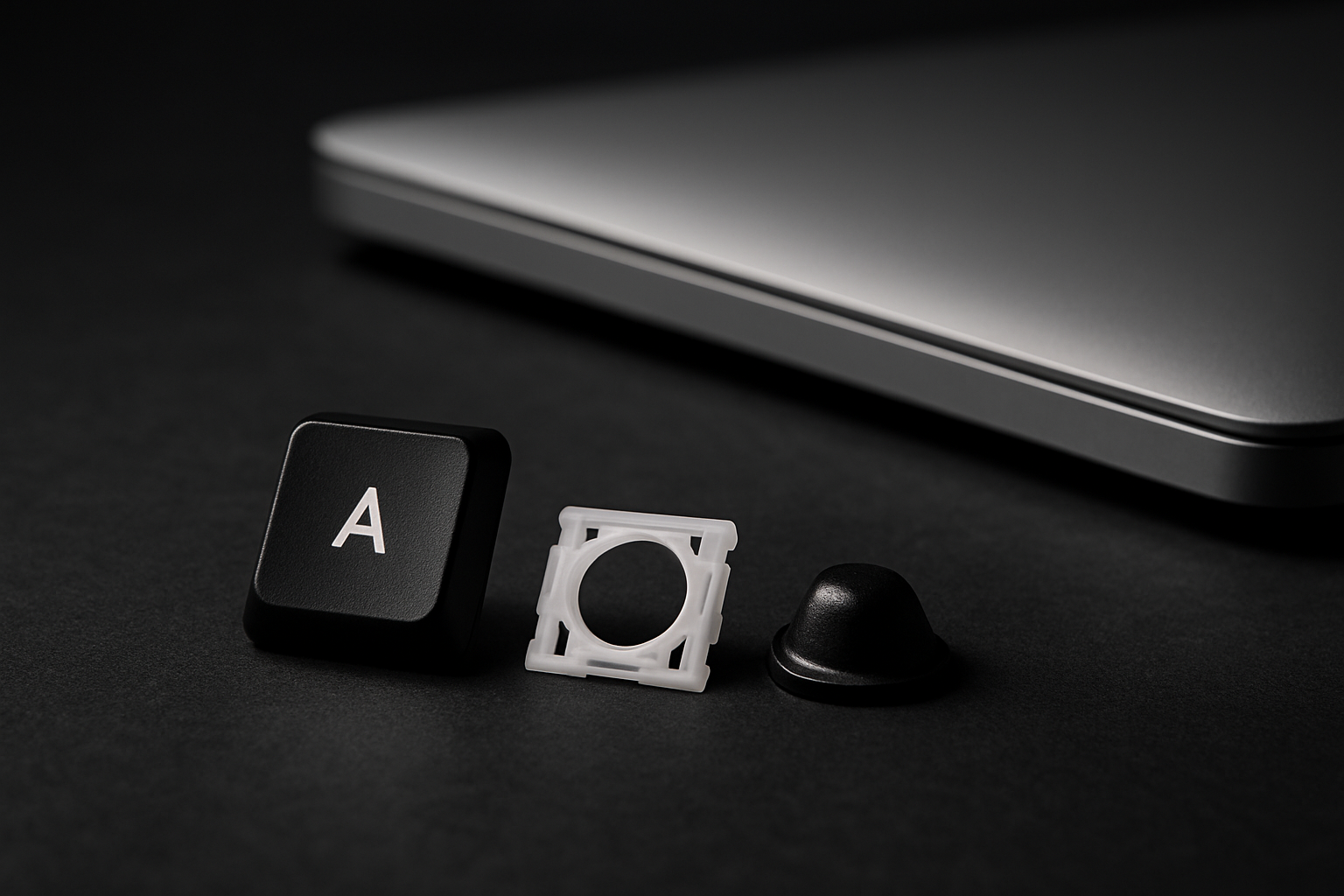
Fix: replace the clip. Search for your model and order a single-key kit — comes with a fresh clip, cup, and cap.
Cause 2: The chassis posts are broken
The clip is fine but the laptop itself is missing the plastic posts the clip is supposed to latch onto. Common after a hard fall or if the previous owner pried the key off with a screwdriver.
What it looks like: the empty slot has flat metal where the four little plastic posts should be sticking up.
Fix: this is the one cause a key kit can't fix. The posts are part of the laptop's chassis, not a separate part. You'll need a replacement keyboard assembly (or learn to live with a permanently missing key — many people do, especially for a key like a number row that's easily reached by the row above or below).
Cause 3: The cap latches are stripped
Less common but it happens with cheap aftermarket replacement caps. The plastic on the underside of the cap has worn down enough that it slides over the clip instead of locking onto it.
What it looks like: the cap looks fine from the top but the underside latches are rounded off or shiny instead of crisp-edged.
Fix: replace the cap. If your other keys are original OEM and the popping-off key is the only one with this problem, the cap is the suspect.
Cause 4: The cup pushes the cap off
The rubber cup underneath has swollen (rare, but happens with old silicone) or has been installed with debris underneath, pushing the cap up high enough that the latches never fully engage.
What it looks like: the cap doesn't sit flush with its neighbors — visibly higher when at rest.
Fix: remove the cap, remove the cup, clean the well under the cup with a cotton swab, install a fresh cup. Single-key kits include a fresh cup.
How to tell which one you have, fast
- Look at the empty key slot. See plastic posts sticking up? Good — clip-side problem (Causes 1, 3, or 4). No posts? Cause 2.
- Look at the clip in your hand. Missing a corner? Cause 1.
- Look at the cap underside. Crisp plastic latches? Not Cause 3.
- Sit the cap loosely on the clip, don't press. Does it sit flush with the keys around it? If higher, possibly Cause 4.
Stop snap-and-pray
Every time you force a cap back onto a broken clip, you're rounding off the cap's latches too. Fix the actual cause now and you won't spend another six months popping the same key back on.
Find your model and grab the kit. If you're not sure which cause you have, send us a photo of the clip and the empty slot — we'll tell you which of the four it is and what to order.