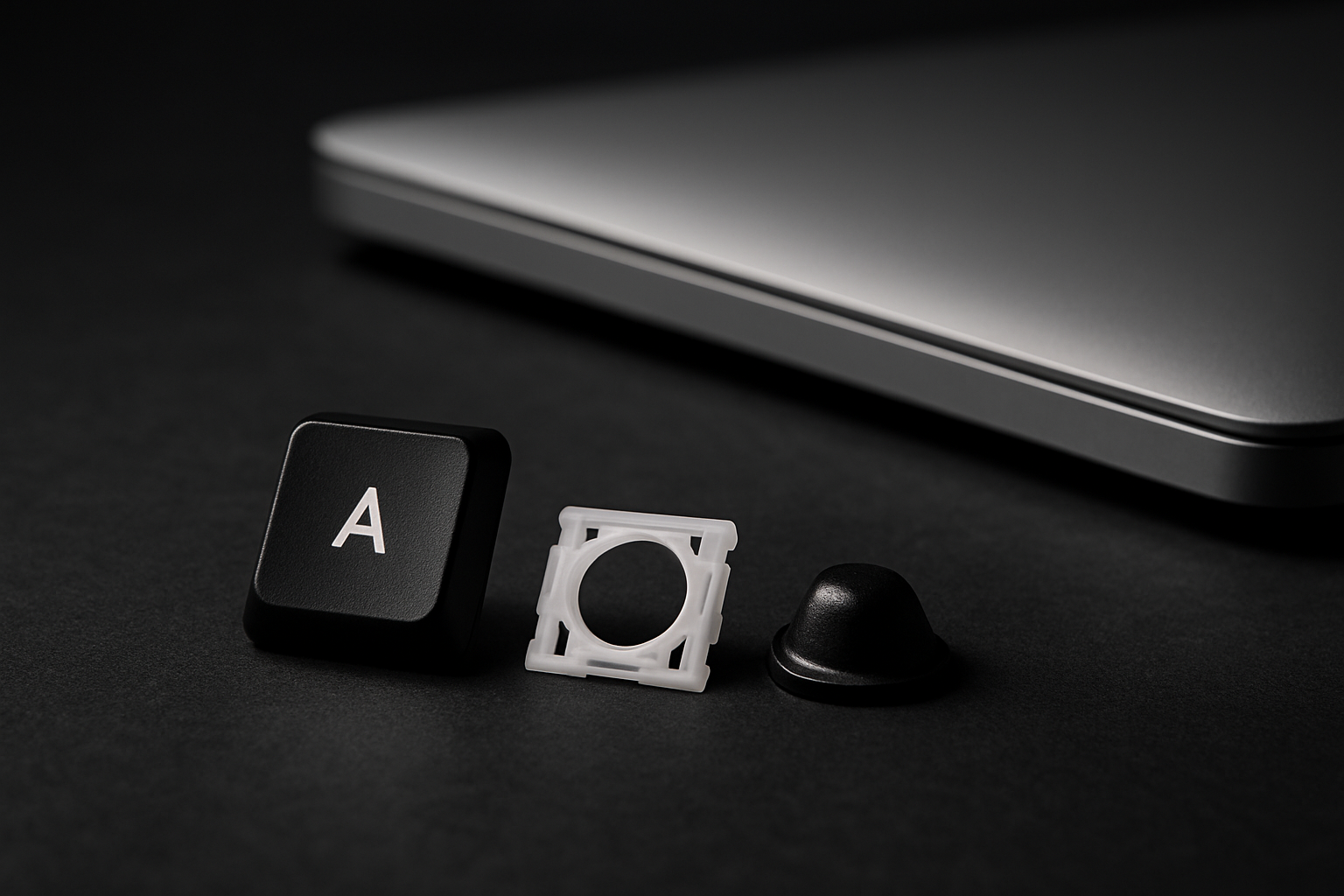
Between 2015 and 2019, Apple shipped a keyboard mechanism that failed at unprecedented rates — the butterfly keyboard. They eventually went back to the older scissor design and even ran a free repair program. If you have a MacBook from that era, knowing which mechanism you have decides everything: cleaning method, repair options, and whether Apple will fix it for free.
The 30-second visual test
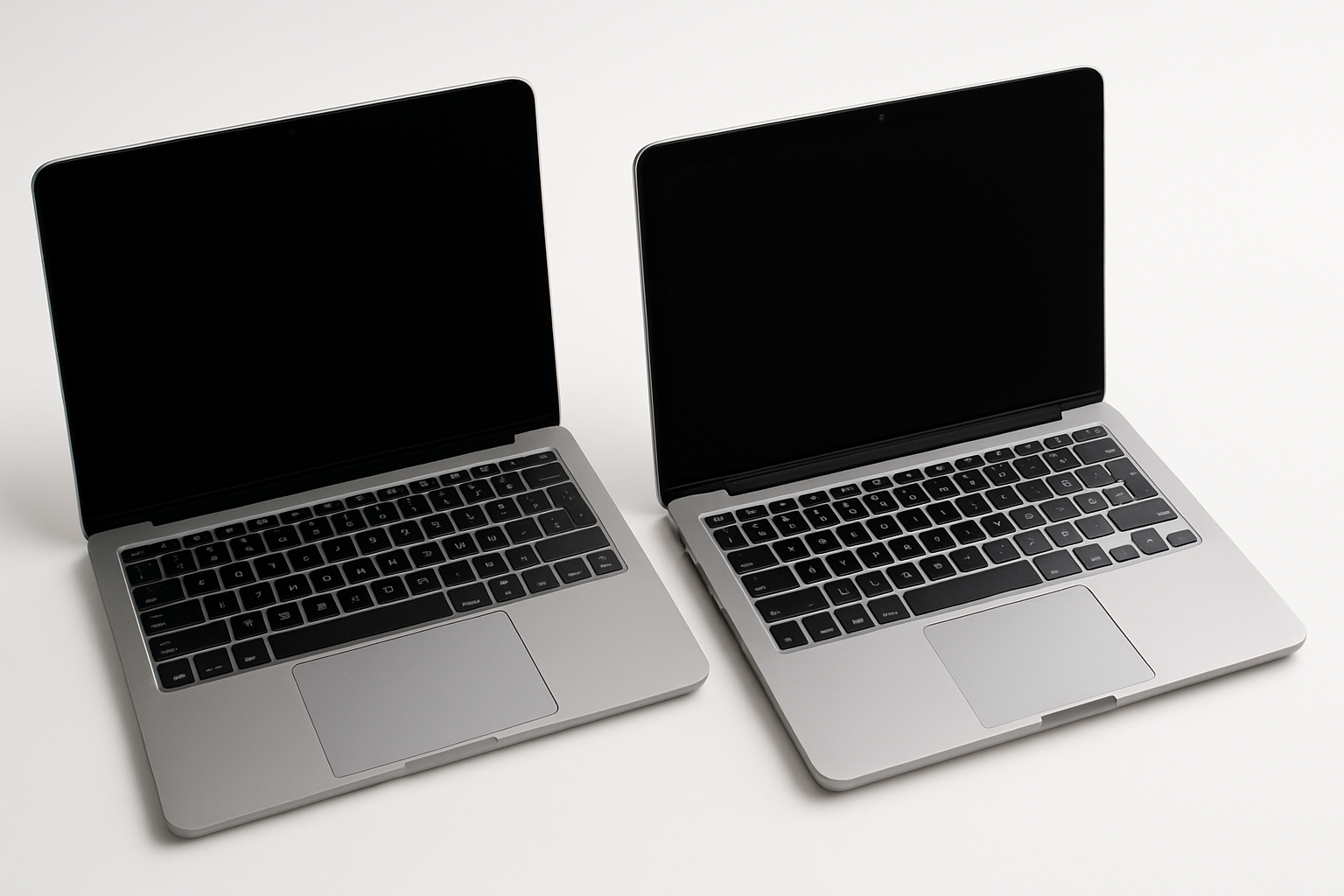
Open your MacBook in good light and look at any key from the side (eye-level with the keycap, looking across the keyboard).
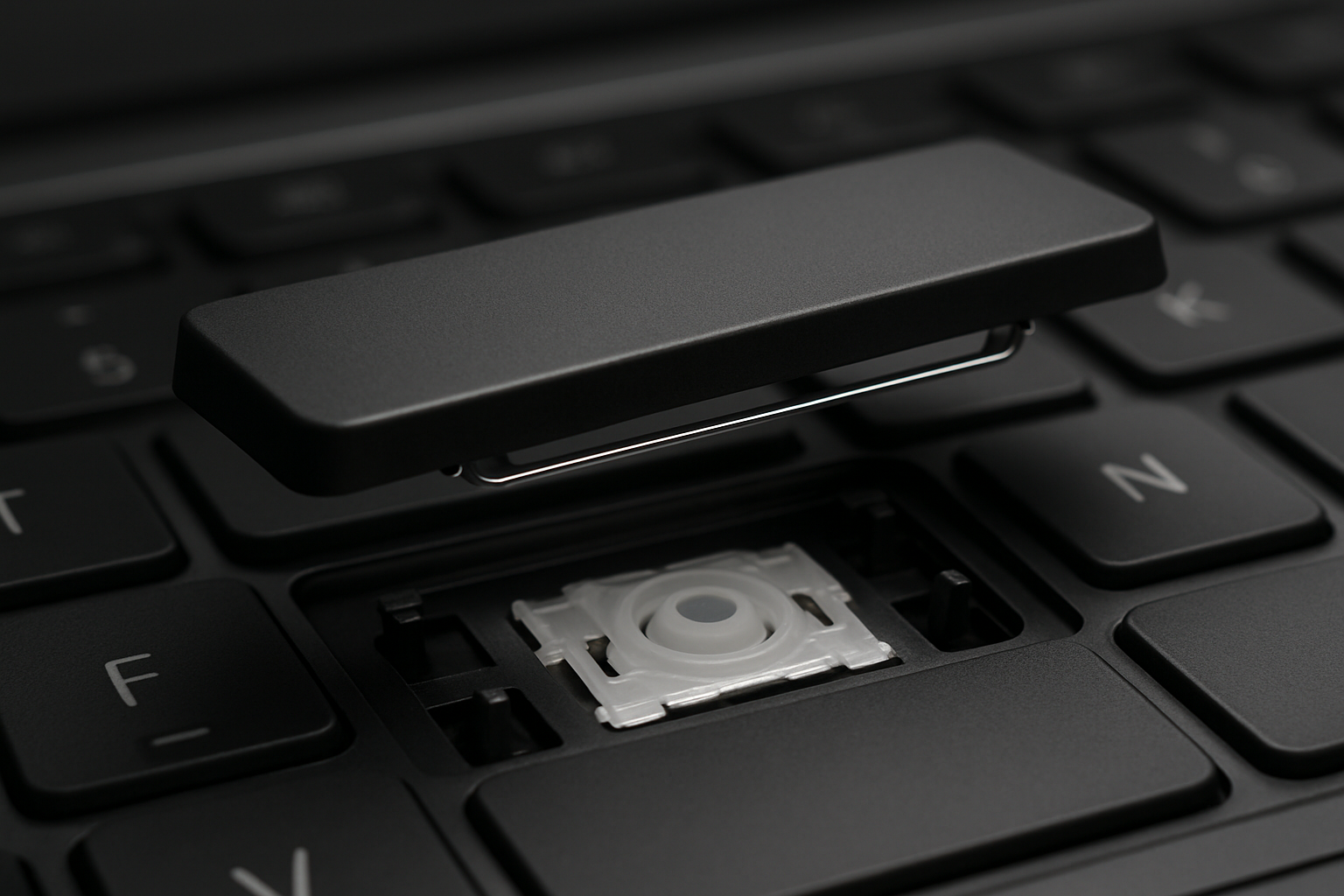
- Butterfly: The keycap sits very flat — almost flush with the surrounding chassis. Total height above the chassis is about 0.5mm. The key barely moves when pressed (around 0.55mm of travel).
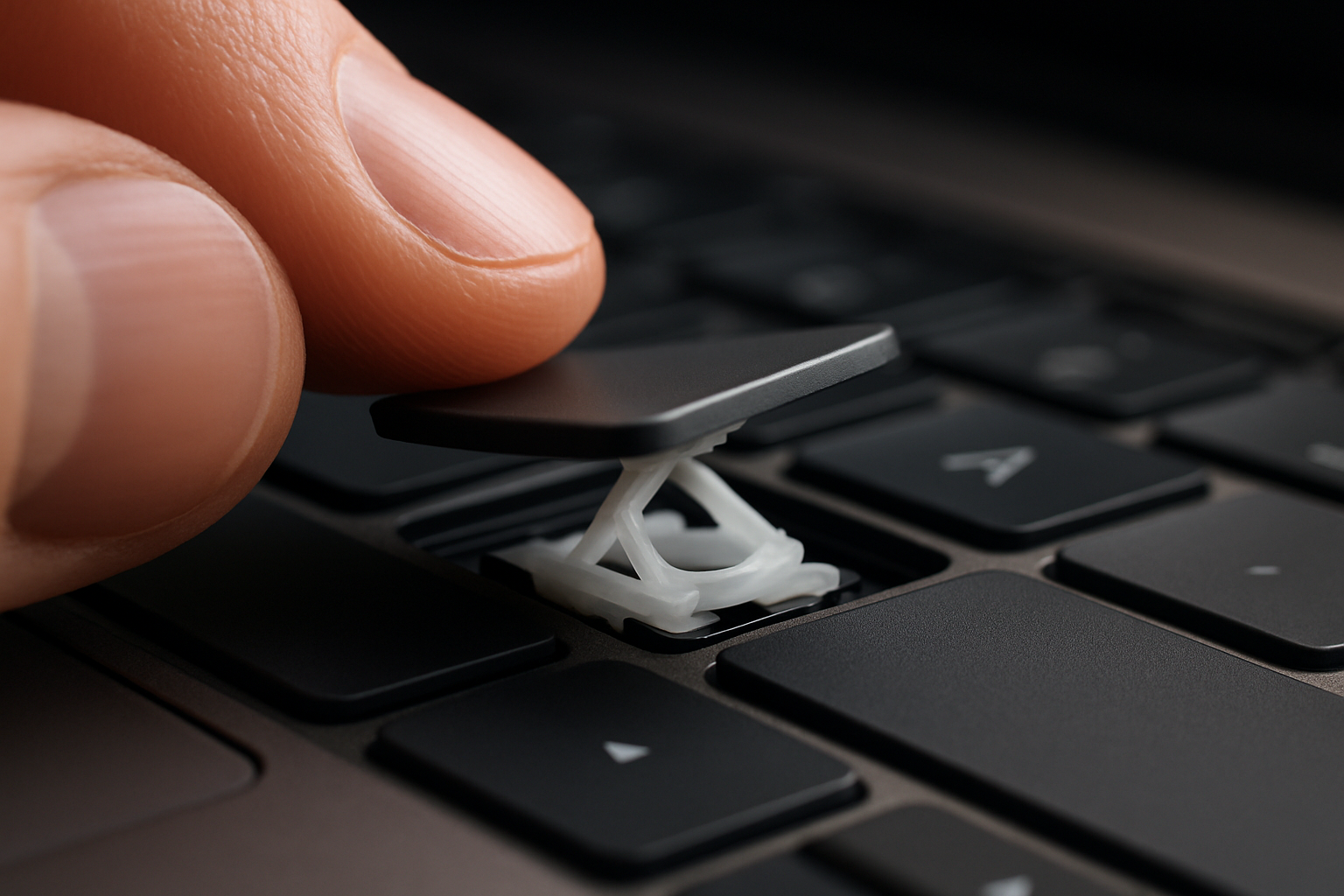
- Scissor: The keycap stands noticeably above the chassis with clear sloped edges on all four sides. Total height around 1.5mm. Travel feels like a normal laptop key (around 1mm).
If you press a key and it feels like tapping a stiff sheet of metal, it's butterfly. If it feels like a normal laptop key with springy travel, it's scissor.
Which MacBooks have which
Butterfly (2015–2019)
- MacBook (12-inch) 2015, 2016, 2017
- MacBook Pro 13-inch 2016, 2017, 2018, 2019
- MacBook Pro 15-inch 2016, 2017, 2018, 2019
- MacBook Air (Retina, 2018, 2019)
Scissor (post-2019 and pre-2015)
- Every MacBook Pro 16-inch (introduced late 2019)
- MacBook Pro 13-inch 2020 and later
- MacBook Air 2020 and later
- Any MacBook from 2014 or earlier
Why the butterfly failed
The butterfly mechanism was a single flat hinge instead of the older crossed scissor frame. It made the keyboard 40% thinner — Apple's whole reason for switching — but the design was unforgiving of debris. A single grain of sand, a flake of skin, or even a crumb of stale toast could lodge under the hinge and cause the key to stick, double-type, or fail completely.
Apple iterated three times (Gen 1 in 2015, Gen 2 in 2016 adding a rubber dust gasket, Gen 3 in 2018 with a silicone membrane) but none of the revisions actually fixed the problem. By 2019 the keyboard had become one of Apple's largest support headaches and the subject of multiple class-action lawsuits.
Apple's free repair program
Apple ran a "Keyboard Service Program" for affected butterfly models — they would replace the entire top-case assembly (which includes the keyboard, battery, and trackpad) for free, even out of warranty. The program covered laptops up to 4 years from original purchase date.
For most models the program has now ended (it expired 4 years after the last affected model shipped — so the bulk of coverage ran out in 2023). If your butterfly MacBook is still acting up today, Apple will quote you a paid repair, typically $500–700 for the top-case replacement.
Can you repair a butterfly keyboard yourself?
Short version: no. Apple sells the keyboard only as part of the top-case assembly. The individual keys, clips, and cups are not available from any reputable source, and the aftermarket parts that do exist on eBay and AliExpress are notoriously hit-or-miss.
What you can do:
- Compressed-air clean. Apple's own recommendation. Tilt the MacBook 75° upright and blast compressed air across each row of keys at a low angle. This is the only safe DIY for butterfly.
- Live with it. If only one or two keys are affected, some people use an external keyboard.
- Replace the top case. Either through Apple or a third-party Apple-certified repair shop — typically still $400–600.
Scissor MacBooks: real DIY is back
The post-2019 scissor MacBooks use a key mechanism much closer to other laptops — though Apple still doesn't sell individual key kits, the design is at least serviceable. If you've broken a key on a 2020+ MacBook, email us with the model and we'll tell you whether we have a kit or whether top-case replacement is the only path.
Not a MacBook?
Every other major brand uses scissor mechanisms (with brand-specific clip shapes), and we stock parts for every model. Search your laptop to see the kit that fits.